


Lenovo ThinkPad P1 Gen 8 Review: A Capable Music Production Workstation

Pros:
- Incredibly thin and light for a professional laptop (just 4 lbs)
- Beautiful 3.2K OLED touchscreen option with smooth 120Hz display
- Powerful performance for demanding creative work
- Excellent keyboard that's a joy to type on
- Rugged build quality that can handle daily wear and tear
- Long 90Wh battery with fast charging
- Plenty of modern ports including the latest Thunderbolt 5
Cons:
- Not a budget option, starting at around $2,000
- Gets warm, and fans can get loud during intensive tasks
- Battery life drops when doing graphics-heavy work
Meet the Lenovo Thinkpad P1 Gen8

The Lenovo ThinkPad P1 Gen 8 is built for professionals who need serious computing power without the bulk typically associated with workstation laptops. It’s designed for video editors, graphic designers, software developers, architects, and music producers—users who rely on demanding software but still need a machine that’s portable enough for daily travel.
What makes the P1 Gen 8 stand out is its ability to deliver workstation-class performance in a chassis that’s surprisingly thin and light. Weighing just under 4 pounds and measuring less than an inch thick, it’s easy to carry while still offering the power required for professional applications that would overwhelm most standard laptops.
In this review, we evaluate the ThinkPad P1 Gen 8’s design, display, performance, and build quality, with a particular focus on how it performs for music production and other creative or professional workloads.
What model we tested:
- Processor: Intel Core Ultra 7 255h
- Graphics Card: NVIDIA RTX PRO 2000
- RAM: 32GB DDR5
- Storage: 1TB NVMe SSD
- Display: 3.2K OLED Touch Display
Tech Specs
Display: 16" WUXGA (1920x1200) IPS 500 nits / 16" WQUXGA (3840x2400) IPS 800 nits / 16" 3.2K (3200x2000) OLED 600 nits, 40-120Hz VRR
Processor: Intel Core Ultra 5 235H / Core Ultra 7 255H / Core Ultra 7 265H / Core Ultra 9 285H (Arrow Lake-H, up to 16 cores, 5.4GHz)
Graphics: Intel Arc 140T (integrated) / NVIDIA RTX Pro 1000 8GB GDDR7 / NVIDIA RTX Pro 2000 8GB GDDR7 (Blackwell)
Memory: Up to 64GB LPDDR5X-7467 (LPCAMM2, upgradeable)
Storage: Up to 8TB (2x 4TB M.2 2280 PCIe Gen 5 SSDs), RAID 0/1 support
Battery: 90Wh with Rapid Charge (80% in 1 hour)
Ports: 2x Thunderbolt 5, 1x Thunderbolt 4, 1x USB-A 10Gbps (Always On), HDMI 2.1, SD Express 7.0, 3.5mm audio
Wireless: Wi-Fi 7 (Intel BE201), Bluetooth 5.4, optional NFC
Camera: 5.0MP + IR with privacy shutter, Human Presence Detection
Dimensions: 354.3 x 241.0 x 15.8-20.6 mm (13.95 x 9.49 x 0.62-0.81 in)
Weight: Starting at 1.84 kg (4.06 lbs)
Build Quality and Design
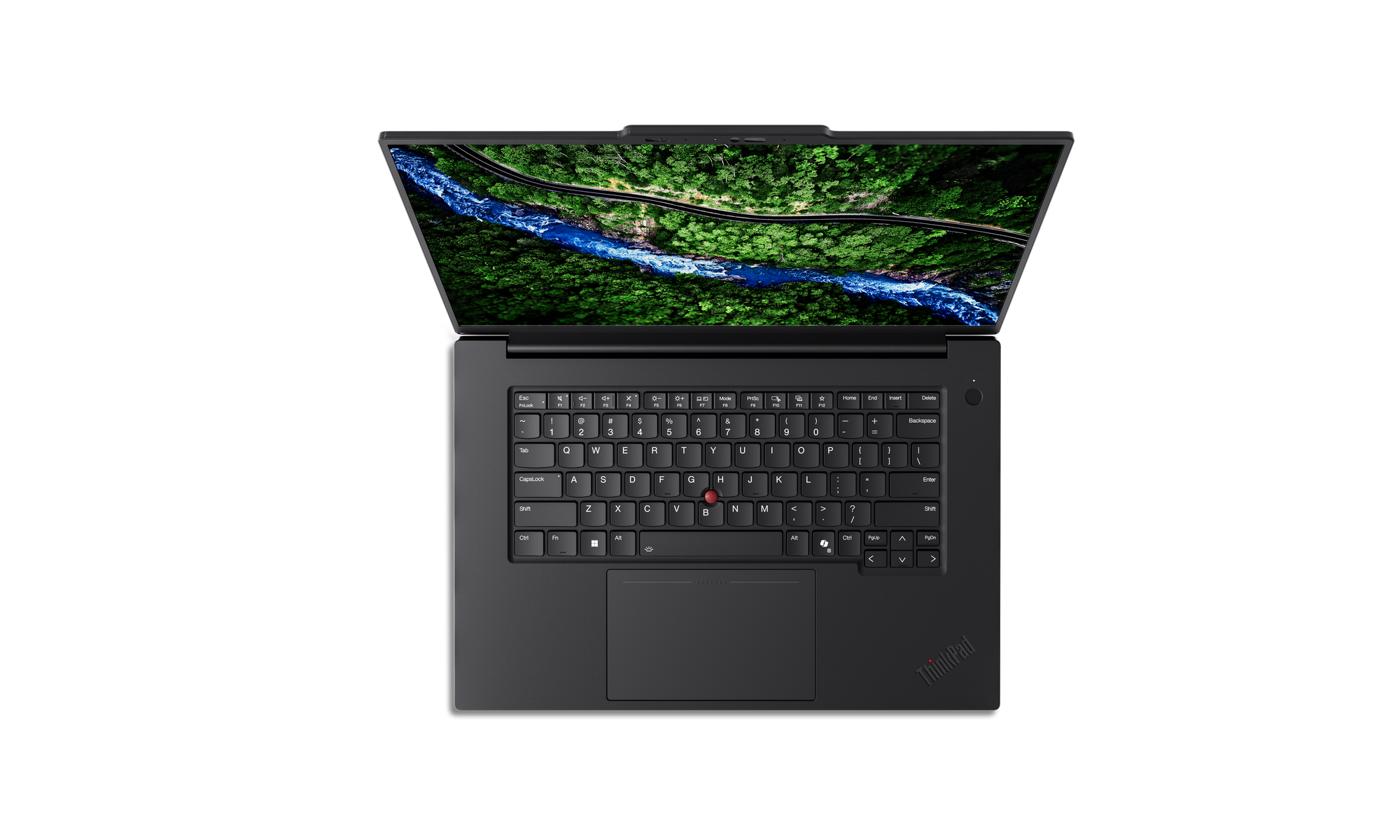
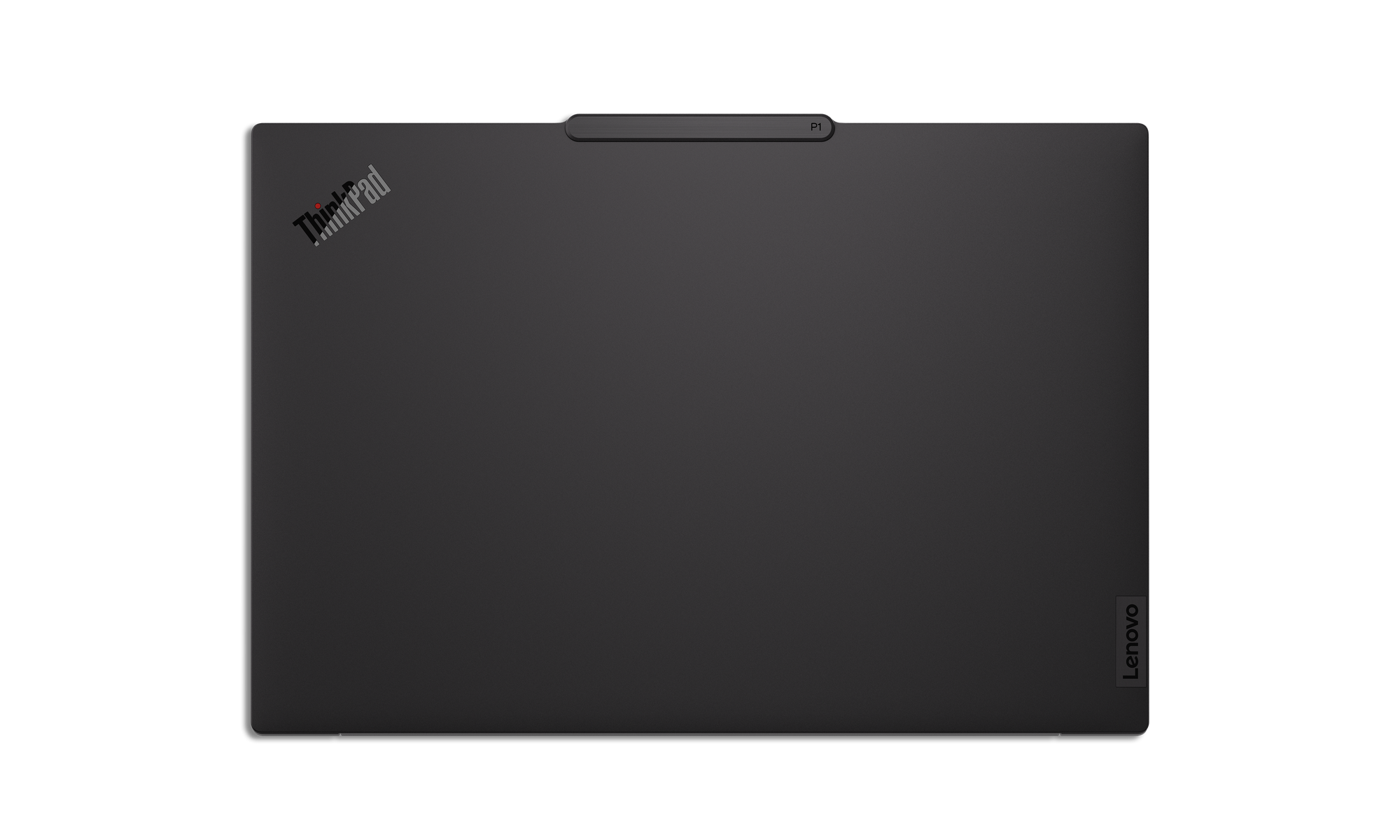
The ThinkPad P1 Gen 8 feels premium the moment you pick it up. Despite its light weight, it’s built like a tank. The chassis uses a blend of carbon fiber and magnesium alloy, resulting in a laptop that feels both sturdy and refined. There’s virtually no keyboard flex, and the lid can be opened easily with one hand.
The P1 Gen 8 also meets military-grade durability standards, meaning it’s been tested for resistance to shock, dust, vibration, and extreme temperatures. It’s clearly designed to handle daily travel, frequent use, and the occasional rough treatment that comes with professional life.
Visually, the laptop sticks to the classic ThinkPad design language: a clean, professional black finish with minimal branding. The slim bezels help maximize screen real estate without increasing the overall footprint. A fingerprint sensor integrated into the power button allows for fast, secure logins without needing to type a password.
Ports: Connectivity is excellent. You get two Thunderbolt 5 ports for high-speed peripherals and external displays, an additional Thunderbolt 4 port, a USB-A port for legacy devices, HDMI for presentations or monitors, a full-size SD card reader, and a 3.5mm headphone jack. For most professionals, adapters won’t be necessary.
Display
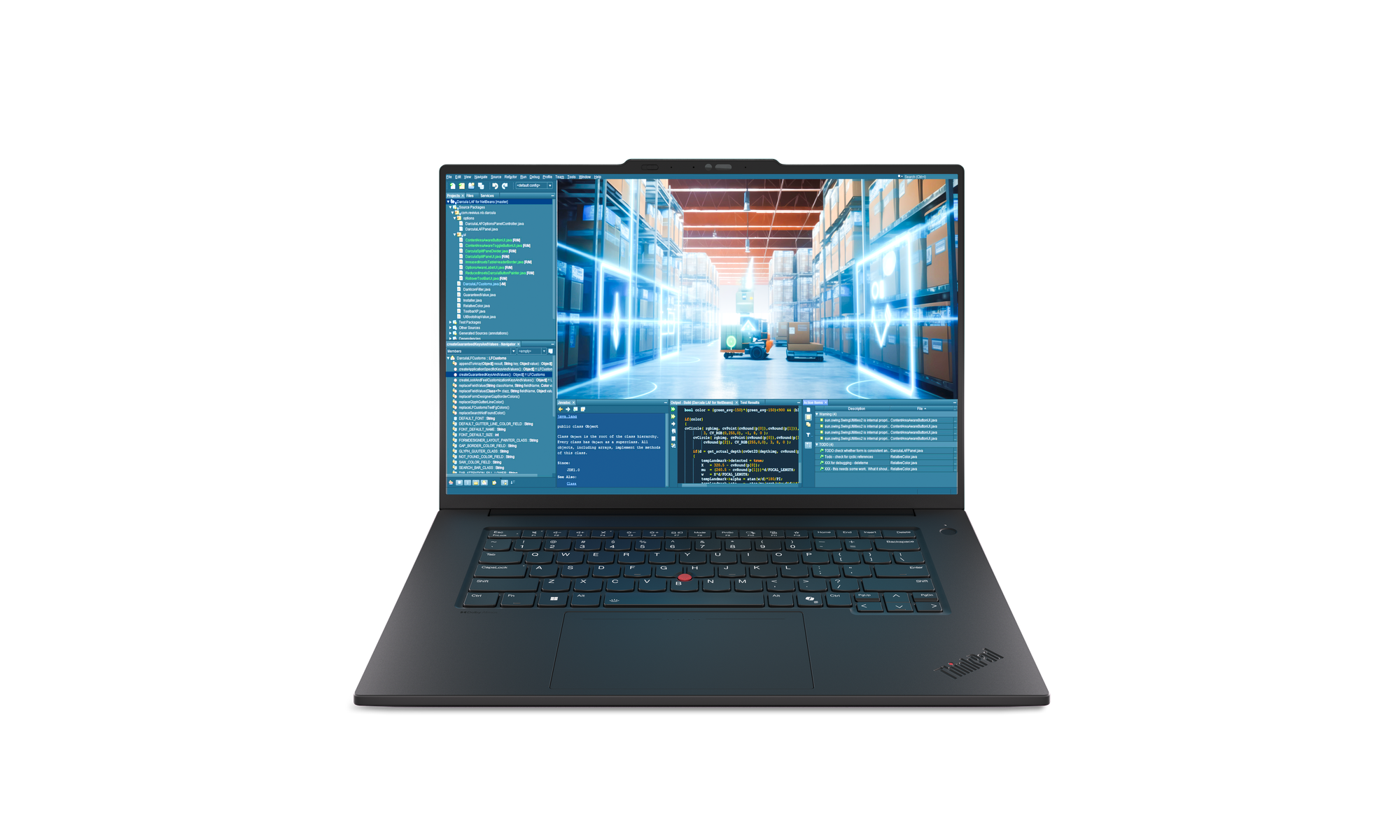
Lenovo offers three display options for the ThinkPad P1 Gen 8, each catering to different priorities:
- WUXGA (IPS, 1920×1200): Focused on battery efficiency, making it the best option for users who value longer runtimes.
- WQUXGA (IPS, 3840×2400): A high-resolution panel with excellent brightness and color accuracy, ideal for photographers, designers, and video editors who need precise visual detail.
- 3.2K OLED (Touch, 120Hz): The standout option. This OLED touchscreen delivers deep blacks, vibrant colors, and a smooth 120Hz refresh rat
The 3.2K OLED display is quite impressive. The jump in contrast and color richness is immediately noticeable, similar to upgrading from a standard display to a high-end HDR panel. Once you experience it, it’s difficult to go back. This is also the only configuration that includes touch support, which adds versatility for creative workflows and everyday use.
All display options include eye-care certifications to help reduce eye strain during long working sessions.
Performance

The ThinkPad P1 Gen 8 is powered by Intel’s latest-generation processors, offering a noticeable performance uplift over the previous generation—particularly in multitasking and sustained professional workloads. Multiple CPU configurations are available, allowing users to tailor performance based on budget and workload requirements.
Real-World Performance: In everyday use, the laptop feels extremely responsive. Video exports complete quickly, applications launch without hesitation, and multitasking across demanding programs is smooth. In our testing, the system handled 4K video compression and other compute-heavy tasks with impressive speed, outperforming many similarly sized competitors.
Graphics performance is handled by optional NVIDIA professional GPUs, which provide hardware acceleration for 3D workloads, video editing, and AI-assisted applications. These workstation-class GPUs use certified drivers optimized for stability and compatibility with professional software such as AutoCAD, Adobe Creative Suite, and other industry-standard tools.
Memory and Storage: The P1 Gen 8 supports up to 64GB of fast RAM, and importantly, the memory is user-upgradable—something that’s increasingly rare in thin laptops. Storage options scale up to 8TB across two high-speed NVMe drives, offering both flexibility and excellent performance.
The Trade-Off: Packing this level of power into a thin chassis does come with compromises. Under sustained heavy loads, the laptop can get warm, and the cooling fans become clearly audible. While not excessive, it’s noticeable and worth considering if you work in very quiet environments.
Battery Life
During normal use, battery life can last upwards of 12 hours, which is quite good given the level of performance on tap. Lenovo’s previous P1 models were known for strong battery endurance, and the Gen 8 continues that trend.
Display choice plays a major role in battery longevity. The base IPS panel offers the longest runtime, while the OLED display trades some battery life for significantly better visuals. During graphics-intensive or creative workloads, battery life will certainly drop below the 12-hour mark.
Fast charging support is included, allowing the battery to reach roughly 80% in about an hour, ideal for quick top-ups between meetings or sessions.
Keyboard and Everyday Use

ThinkPads are known for their keyboards, and the P1 Gen 8 fully lives up to that reputation. Key travel and tactile feedback are excellent, making long typing sessions comfortable and fatigue-free. Writers, developers, and anyone who types extensively will immediately appreciate the experience.
The keyboard includes thoughtful features such as spill resistance, backlit keys, and a practical layout with dedicated navigation buttons. The iconic red TrackPoint is still present, allowing precise cursor control without moving your hands from the keyboard.
The large glass trackpad offers smooth tracking and uses haptic feedback rather than physical buttons. While some longtime ThinkPad users may miss the traditional click mechanism, the increased surface area and responsiveness make it a worthwhile trade-off.
Webcam: The 5MP webcam is a standout, delivering noticeably sharper image quality than most laptop cameras. Infrared sensors enable secure facial recognition, and presence detection features can automatically lock the laptop when you step away and wake it when you return.
For Music Production
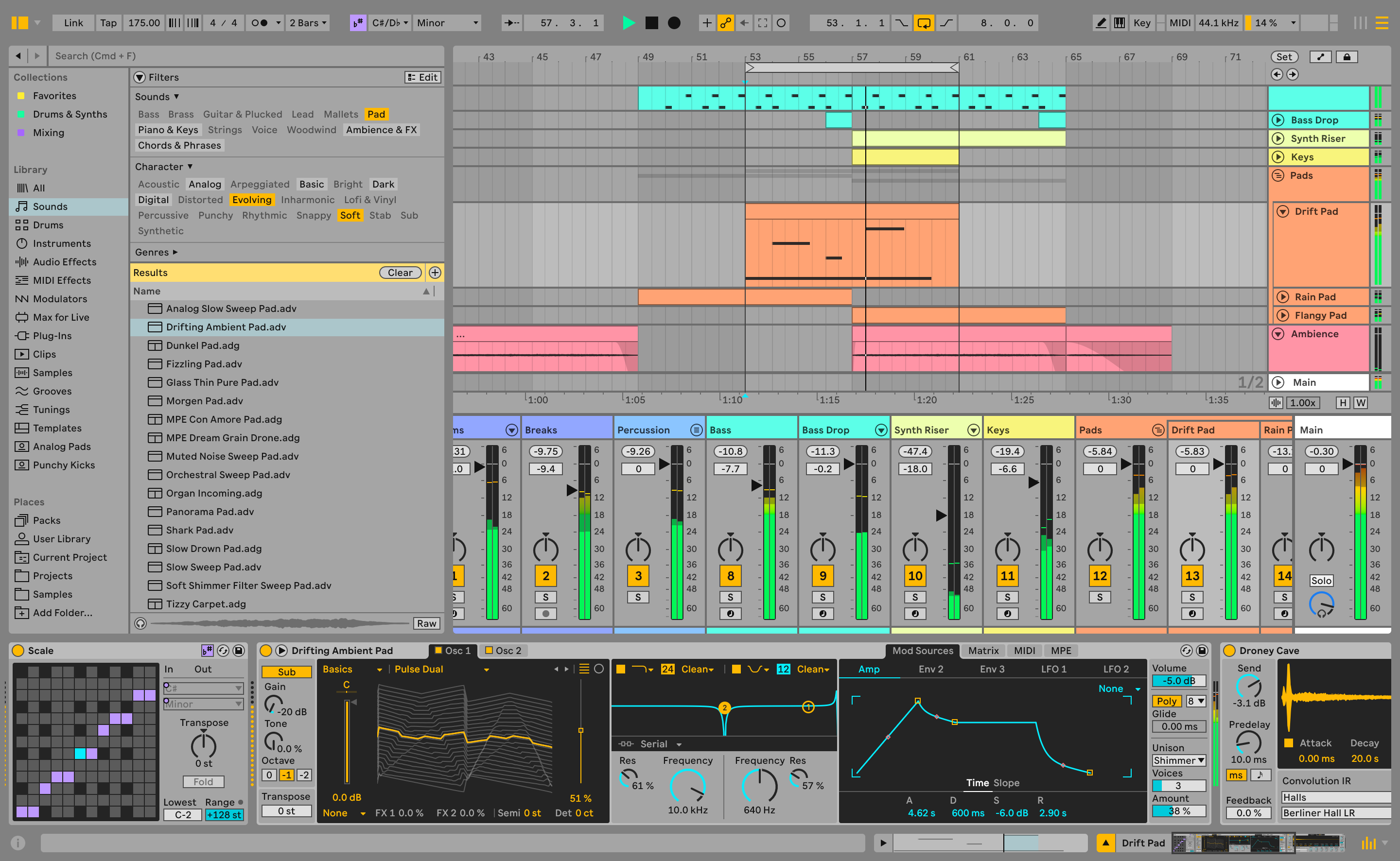
We specifically tested the ThinkPad P1 Gen 8 for music production workflows, and it performed exceptionally well. The multiple USB-C and Thunderbolt ports make it easy to connect audio interfaces, MIDI controllers, and external storage without relying on dongles.
In testing, the laptop handled complex projects with high track counts and plugin-heavy sessions without issue. Performance remained stable, even under sustained loads, making it well-suited for professional DAWs and production environments.
The touchscreen adds an interesting advantage for music work. Being able to drag MIDI notes, adjust automation, or manipulate virtual instruments directly on the screen is surprisingly useful—especially when working away from a traditional desk setup. Overall, the P1 Gen 8 functions as a highly capable and portable music production workstation.
Speaker Quality
When working on music on the go, you might not always have access to a pair of headphones, so speaker quality can be pretty important. The P1 Gen 8 impressed me with its audio quality for a laptop speaker.
The speaker volume gets quite loud and gives a clear sense of left/right directional audio. The overall audio is also very clear, not giving off a muffled sound that many laptop speakers have. Bass presence is pretty good, but mid and treble stand out particularly. While it won't beat headphone audio, the speaker quality is good enough that I could certainly see it being used for regularly for music and multimedia use without any complaints. The Laptop also comes optimized with Dolby Atmos, which improves the sound experience during TV streaming.
The P1 Gen 8 handles music production excellently and would definitely function as a more than capable portable music workstation.
Can the ThinkPad P1 Gen 8 be used for Gaming?

While the ThinkPad P1 Gen 8 is not designed as a gaming laptop, it can still handle gaming surprisingly well thanks to its optional NVIDIA professional GPUs and powerful Intel processors. Many modern games run smoothly at 1080p or 1440p settings, particularly when graphics options are adjusted to medium or high rather than ultra. Less demanding titles and esports games perform especially well, making casual gaming entirely feasible during downtime.
That said, there are clear trade-offs. The workstation-class GPU prioritizes stability and professional software optimization over raw gaming performance, meaning it won’t match the frame rates of similarly priced consumer gaming laptops with GeForce RTX graphics. Sustained gaming sessions also push the chassis hard, leading to increased heat and audible fan noise as the cooling system works to maintain performance.
In short, the P1 Gen 8 is best viewed as a capable secondary gaming machine rather than a dedicated gaming solution. It’s more than sufficient for occasional gaming, but users who primarily care about maximum frame rates or long gaming sessions would be better served by a purpose-built gaming laptop.
Final Verdict
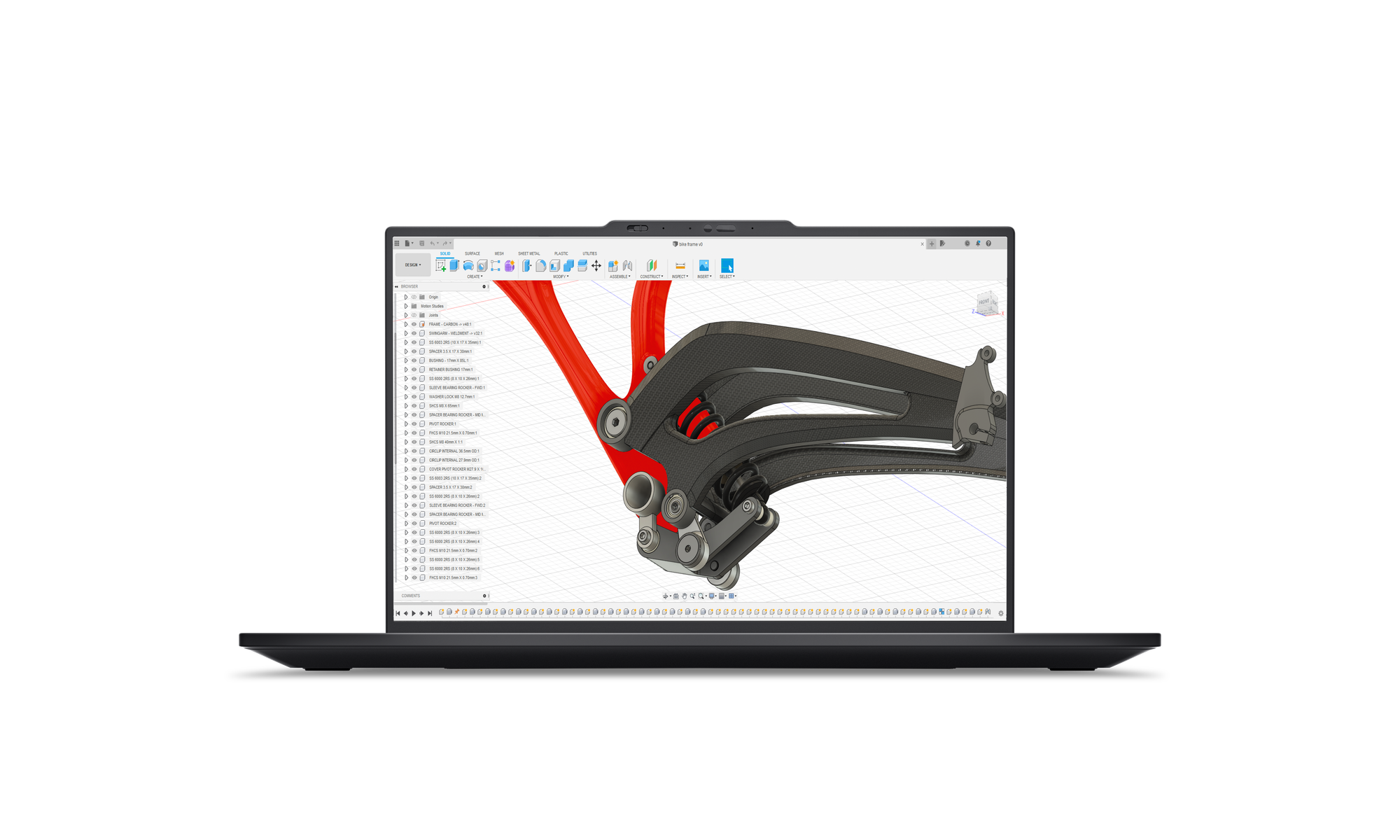
The Lenovo ThinkPad P1 Gen 8 is an excellent mobile workstation that successfully balances serious performance with true portability. Its outstanding keyboard, premium build quality, strong upgradeability, and gorgeous OLED display make it a compelling choice for creative and professional users who need power on the go.
While thermals, fan noise, and premium pricing keep it from earning a higher score, these compromises are expected for a thin workstation of this caliber. For professionals who prioritize reliability, build quality, and performance in a lightweight form factor, the ThinkPad P1 Gen 8 remains one of the best options available.
Thanks for reading!
- Read more of the latest rock/metal news here
- Subscribe to our Metal News Email list for weekly updates!
- Support The Metalverse and go ad-free.
- Follow us on Social Media | Instagram | Facebook
- Listen to our metal Spotify Playlists!
- Join our free 5-day music marketing email course!


